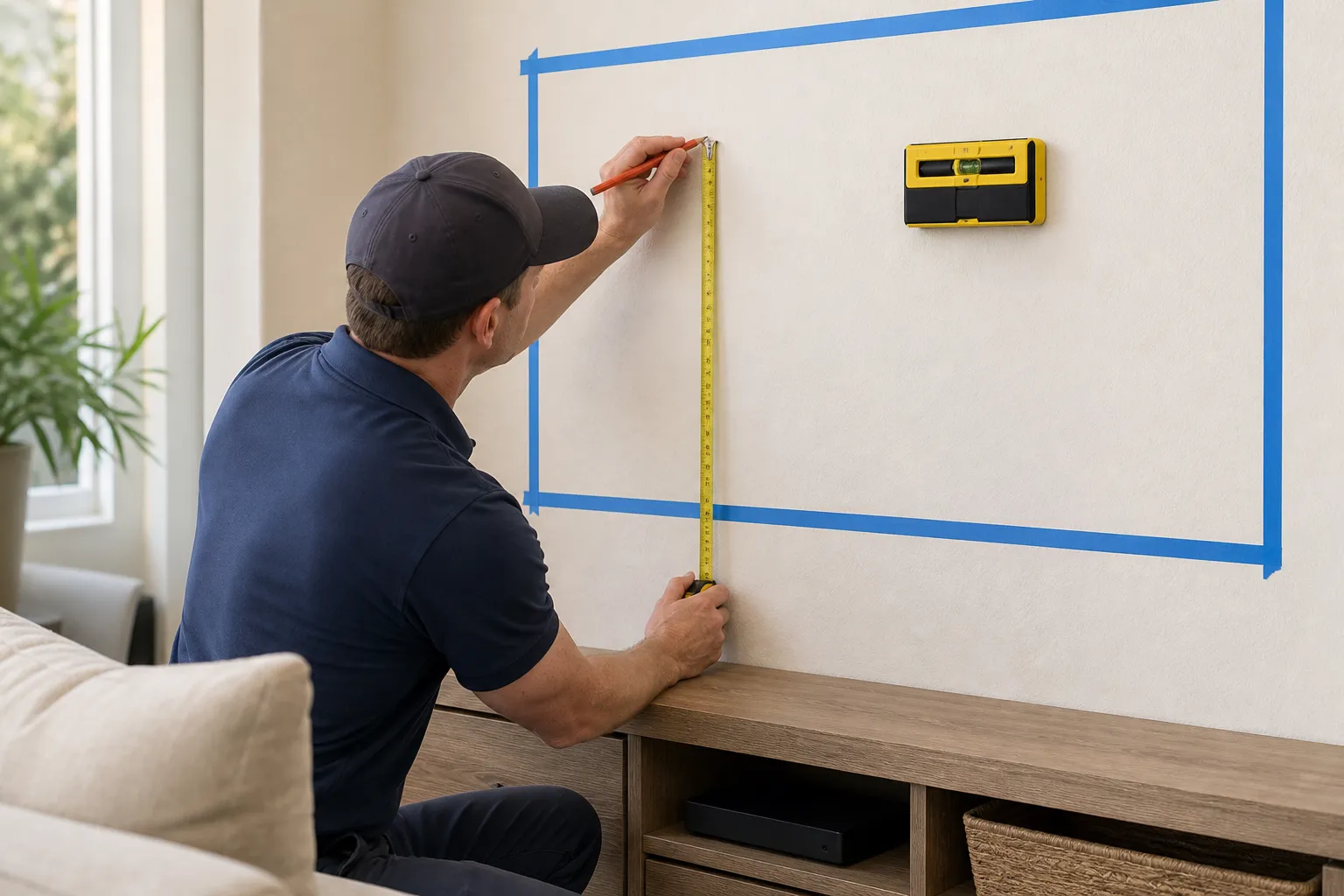
Walk into ten living rooms with wall-mounted TVs and you'll find the same mistake in most of them: the screen is mounted too high. It's an easy trap. People hang the TV to fill the wall, or center it over a fireplace, or match the height of the art next to it - and end up craning their necks all night. The right height isn't about the wall; it's about your eyes when you're actually sitting down to watch.
When this is DIY-friendly: figuring out and marking the correct height is simple measuring anyone can do - the only real work is the mounting itself. When to call a pro: if the height you land on lands you over a fireplace, on brick or masonry, or high enough that you'll want a tilt or pull-down mount to make it comfortable. Getting those right is as much about the bracket choice as the number on the tape measure.
The Rule of Thumb: Center Around 42 Inches
For a typical living room where you watch from a sofa, aim to put the center of the screen about 42 inches from the floor. That number isn't magic - it's roughly where the average adult's eyes sit when relaxed on a couch. Your eye level, not the size of the wall, is the target: the middle of the picture should land right about where you're already looking.
Notice that's the center of the screen, not the bottom. The bigger the TV, the lower its bottom edge will sit for the same center height, which is exactly what you want - a 65" screen centered at 42" feels natural, while that same screen with its bottom at 42" would be way too high.
Dial It In for Your Room
Forty-two inches is a starting point. Adjust from there:
- Measure your own seated eye level. Sit where you actually watch, look straight ahead, and have someone measure from the floor to your eyes. Deep, low sofas can put eye level closer to 38"; a firm upright chair closer to 44". Use your number, not the average.
- Account for viewing distance and screen size. The farther back you sit and the bigger the screen, the more forgiving the height - your eyes travel across a large, distant picture without much strain. Up close, height matters more, so stay near eye level.
- Bedrooms are the exception. If you watch lying down, mount higher and tilt the screen down toward the bed. Eye level from a pillow is a completely different line than from a sofa.
The Over-the-Fireplace Problem
A TV above the fireplace is the single most common way rooms end up with a too-high screen. Mantels often push the center well above 50", and watching a two-hour movie with your chin up is a recipe for a stiff neck. If the fireplace is genuinely your only option, don't just bolt the TV flat to the wall. Use a tilt mount so you can angle the screen down toward the seating, or a pull-down mantel mount that drops the TV to eye level for viewing and tucks it back up when you're done. Even a few degrees of downward tilt takes a surprising amount of strain off your neck and cuts glare from windows and lights.
Tools & Materials You'll Need
- Tape measure
- Pencil and painter's tape
- A large piece of cardboard or paper to make a screen-sized template
- A level
- Stud finder (for the actual mount)
- A tilt or pull-down mount if the TV is going up high
How to Find the Right Height, Step by Step
Measure your seated eye level
Sit in your usual spot, look straight ahead, and measure floor-to-eyes. That height is where the middle of the screen wants to be. If you're not sure, start with 42" and adjust.
Mark the center, then work outward
Put a small piece of tape on the wall at your target center height. Measure up half the screen's height to find where the top edge will land, and down half for the bottom - now you can see the screen's real footprint.
Tape up a paper template
Cut cardboard or paper to the screen size and tape it on the wall at that position. Sit down and look. This five-minute preview catches a too-high mount before you've drilled a single hole.
Remember the bracket sits above center
The mount's wall holes are usually above the middle of the TV, not at your center mark. Measure the offset from the TV's own bracket so the finished screen ends up where your template was - this is where heights quietly creep upward.
Level it and check from the couch
Once the bracket's marked, level it and confirm the line one more time from your seat. Trust the seated view over how it looks while you're standing at the wall.
Common Mistakes to Avoid
- Mounting to fill the wall. Blank space above or below the TV is fine - comfort beats symmetry.
- Defaulting to the fireplace. It's rarely eye level; if you must, use a tilt or pull-down mount.
- Forgetting the bracket offset. The hardware sits above center, so the screen ends up higher than your mark unless you account for it.
- Ignoring where you actually sit. Measure from your real seat and posture, not a guess.
- Overlooking glare. A screen angled slightly down from a high spot also dodges reflections from windows and lights.
When to Call a Handyman
Call a pro when the ideal height lands the TV over a fireplace, on brick or masonry, or high enough to need a tilt or pull-down mount to stay comfortable. Our TV mounting service in Santa Clarita sets the screen at the right height for your room, picks the mount that fits the wall, hides the cables, and levels it - so it looks right and watches right from the first night.
Estimated time: about 15 minutes to measure and template the height; the mounting itself typically adds 30 to 60 minutes.